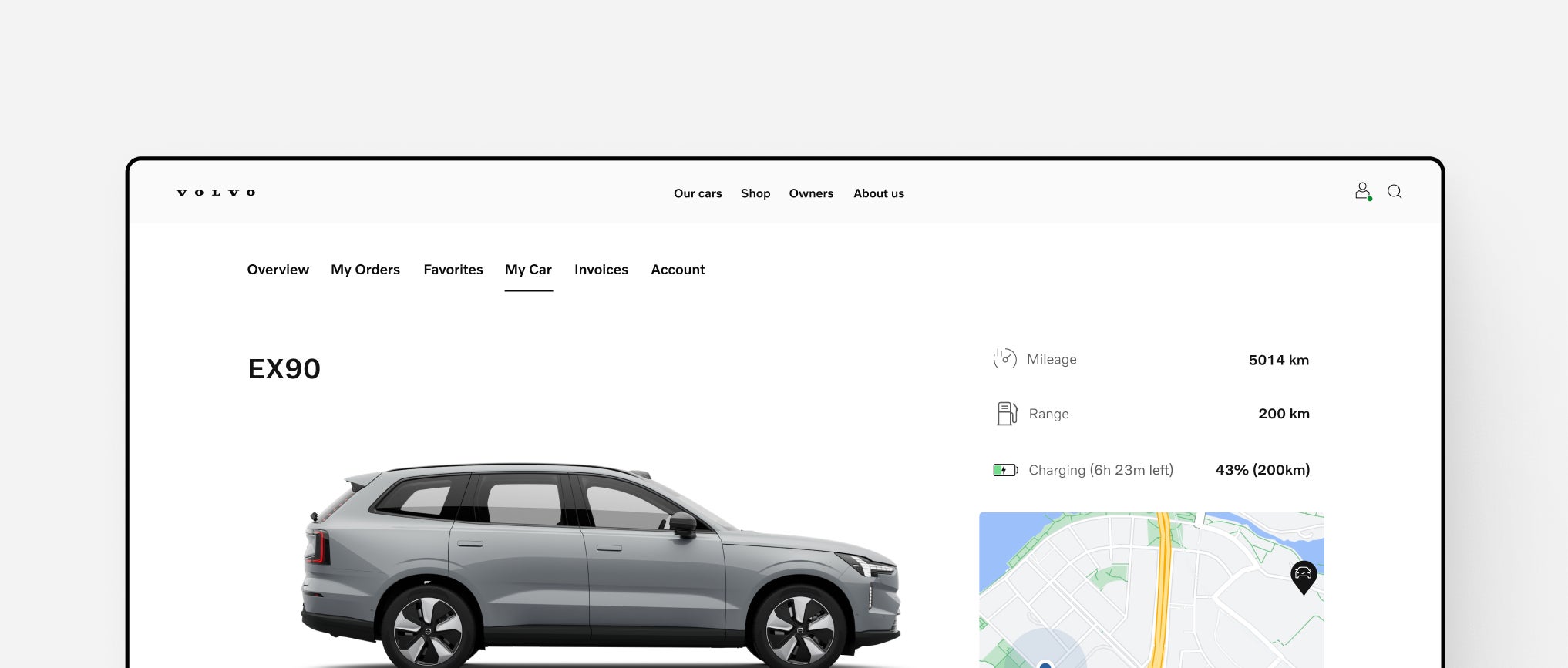
The Volvo Portal gives you a personalized experience, whether you’re exploring a Volvo or already own one. Stay updated, track your order, and connect with your car — all in one place.Discover Volvo Portal
Our CarsShopOwnersElectrificationAbout usElectric5 modelsHybrid cars2 modelsOther cars3 modelsCar configuratorCompare modelsElectric carsPlug-in hybrid carsSUVSedanWagonCity carsFamily carsSUVsEX90EX40EX30CrossoverEC40SedanES90SUVsXC90 XC60 SUVsXC90XC60XC40Sales offersCar configuratorRequest a quoteSales consultantsCar- AccessoriesVolvo SupportVolvo PortalBook a serviceService offerGenuine Parts Extended WarrantyService ConsultantWearnes AssistVolvo Cars AppVolvo Support & Manual Upcoming events Volvo Owner PrivilegesElectrificationCharging your VolvoRangeElectric carsPlug-in hybrid carsOur storySafetyHighlightsCar materialsNewsVolvo Legacy CarsElectrification Electric carsPlug-in hybrid carsCharging your VolvoPress & MediaAwardsWorld of VolvoMy Volvo storyCareersInvestors