Symbols in the center display status bar
The following table provides an overview of the symbols used in the center display's status bar.
The status bar shows current vehicle activities and in certain cases, also their status. Due to limited space in the status bar, not all symbols will be displayed at all times.
| Symbol | Meaning |
|---|---|
 | Roaming activated. |
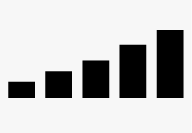 | Cell phone network signal strength. |
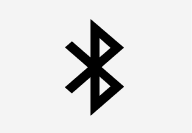 | Bluetooth device connected. |
 | Bluetooth activated but no device connected. |
 | Connected to a Wi-Fi network. |
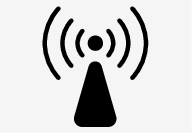 | Tethering activated. (Wi-Fi hotspot). |
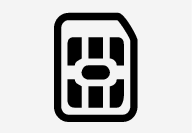 | Vehicle modem activated. |
 | Connected to the Internet via USB. |
 | Type of cell phone connection (2G, 3G, etc.). |
 | Remote diagnostics active. |
 | Action in progress. |
 | Preconditioning[1] in progress. |
 | Audio source being played. |
 | Audio source paused. |
 | Phone call in progress. |
 | Audio source muted. |
 | News broadcasts from current radio station[2]. |
 | Traffic information being received[2]. |
 | Clock. |