Adjusting the steering wheel position
You can adjust the steering wheel position to suit your driving posture. The steering wheel position you choose is saved to your user profile.
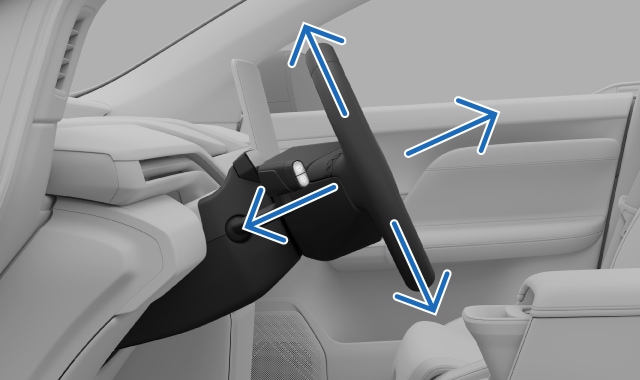
Adjusting the steering wheel position is fundamental to your driving posture, offering you better comfort and control of the vehicle.
The steering wheel adjustment view is accessed via the center display. It guides you through the available settings to move the steering wheel to your preferred position.
Make sure that you adjust your steering wheel position when you are parked, as this should not be done while driving.Warning
Important
Clear space around the instrument panel
Do not place any objects in front of the instrument panel. If you do, you risk damaging the instrument panel.
Tip
Quick access
You can open the adjustments view using the seat adjustment knob on the side of your seat. There, you can make several adjustments related to your driving posture. You can also access certain driver adjustments in the quick controls view in the center display. This allows you to make adjustments via the display without heading into settings.
Press the vehicle symbol
 in the bottom bar and go to Controls.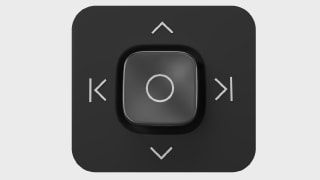
- Go to Steering wheel→Adjust steering wheel.The view for steering wheel adjustments appears.
- Adjust the steering wheel position using the steering wheel buttons.
Once you've finished adjusting the steering wheel position to your liking, it's important to make sure other parts of the vehicle are aligned correctly. Your driving posture is important and is affected by more than the steering wheel adjustments, such as the position of your seat and mirrors.Important